
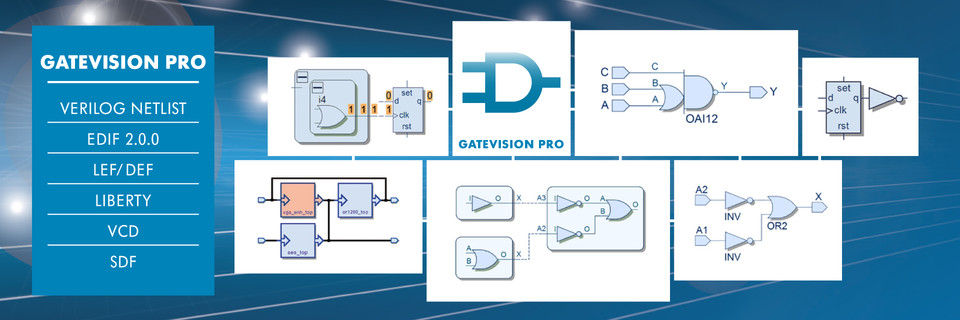
GateVision PRO
High Performance Netlist Debugging and Viewing
GateVision® PRO is the third generation of graphical, gate-level netlist analyzers and viewers from Concept Engineering. Completely rewritten to run on modern 64bit platforms to handle the largest designs and SoCs, GateVision PRO provides a range of powerful debug and comprehension capabilities. These include intuitive design navigation, netlist viewing, waveform viewing, logic cone extraction, interactive logic cone viewing for netlist debugging and design documentation.
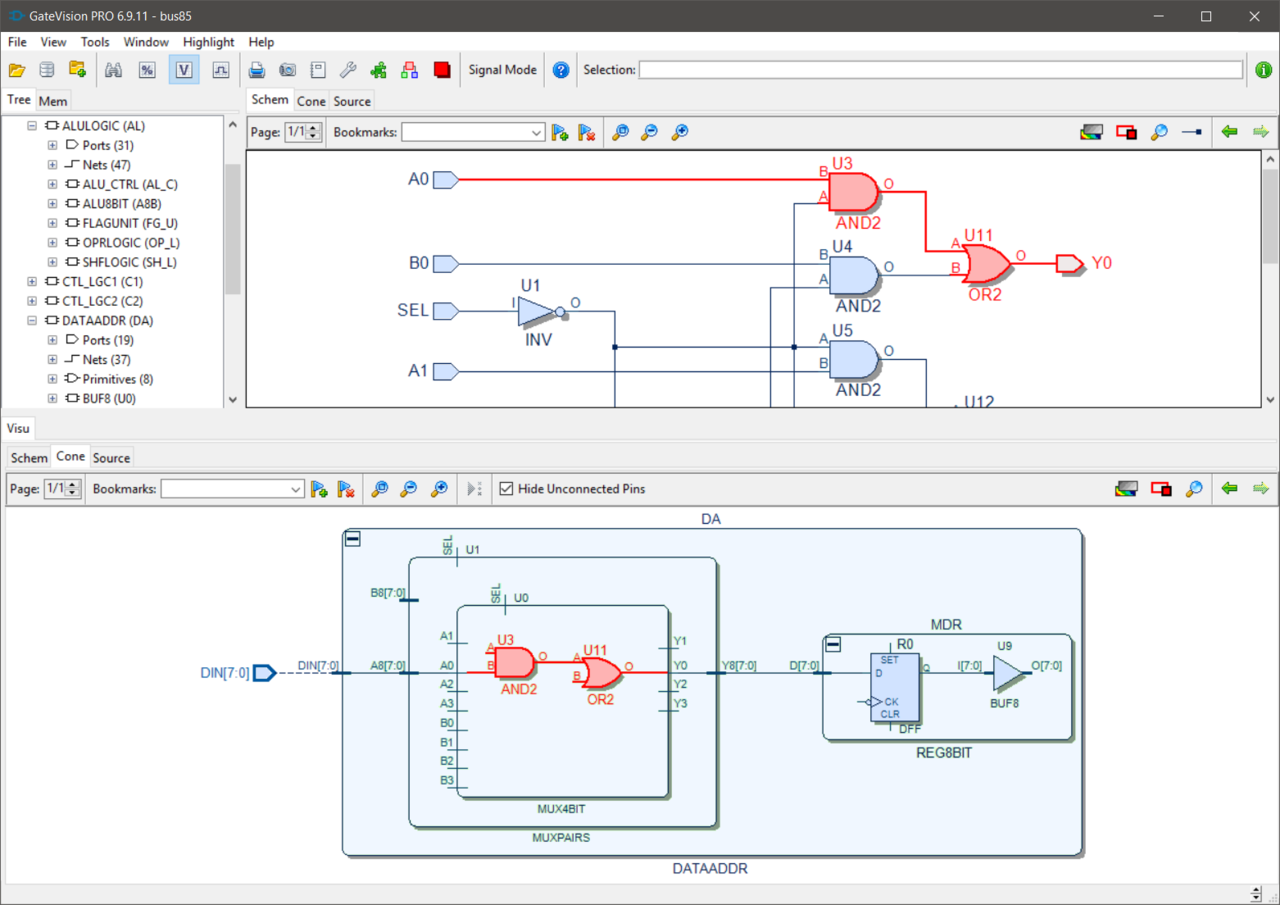
Ultra-Fast Netlist Viewer – GateVision PRO is a high-performance and capacity gate-level debugger and viewer that can read and process the largest Verilog, EDIF and LEF/DEF netlists. GateVision PRO fits seamlessly into any design environment. Schematics are generated on the fly and the intuitive GUI lets the designer incrementally and easily navigate through the largest netlist files.
- High-performance netlist viewer for Verilog, EDIF, and LEF/DEF
- Tcl based UserWare API for advanced customization
- 64 bit database handles today's largest SoCs, ASICs and FPGAs
- Integrated waveform browser (accelerated VCD viewer)
- Customizable path extraction engine detects critical paths
- Cone view displays schematic fragments of critical areas
- Intuitive GUI for ease of use
Advanced Debug and Analysis
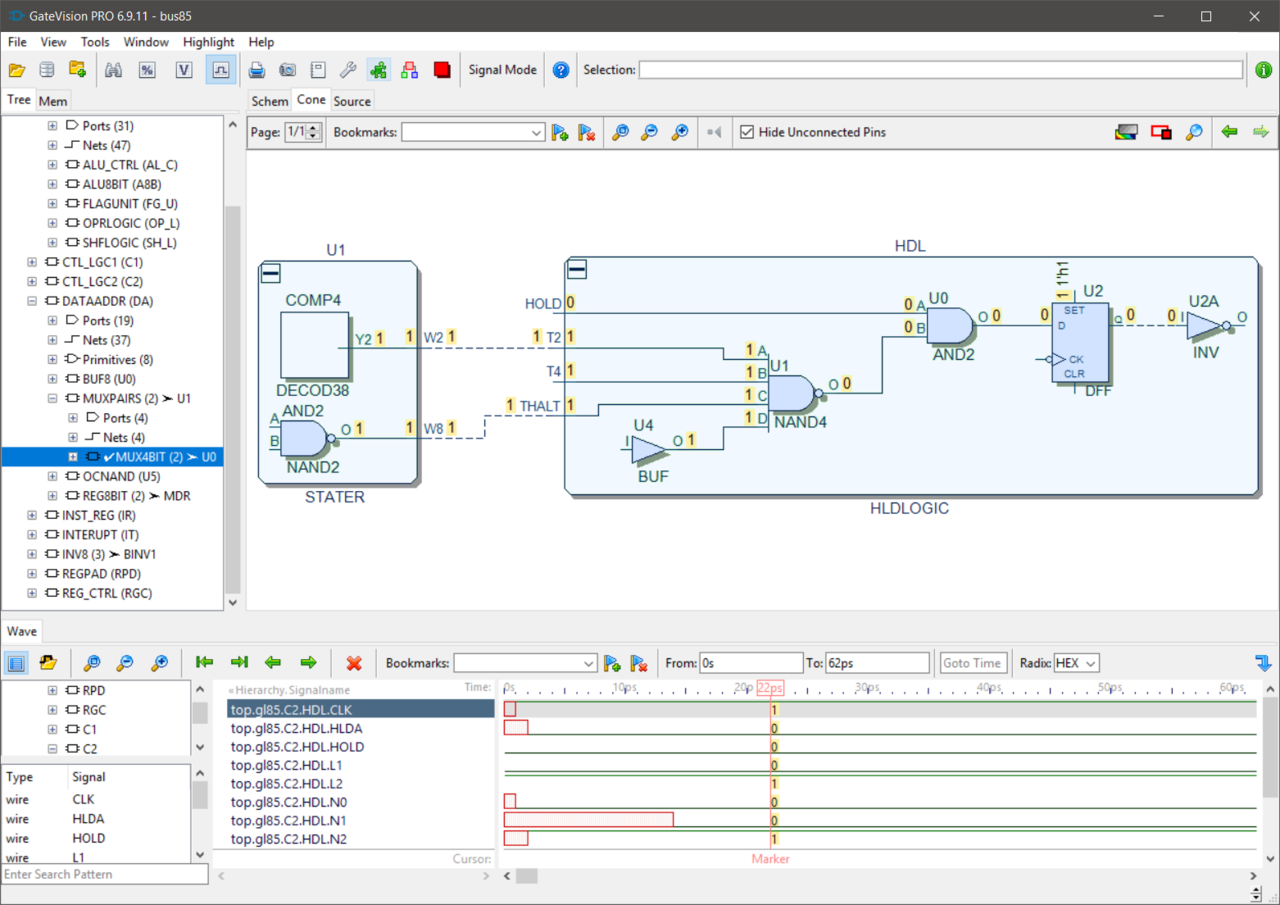
Waveform Viewer and Signal Tracing – GateVision PRO comes with a fully integrated waveform viewer and supports interactive signal tracing in the source code, schematic and waveform windows. GateVision PRO compiles VCD simulation data into its own high-speed format for accelerated waveform browsing and signal tracing.
64 Bit Database – Exploiting increasing powerful 64 bit platforms, GateVision PRO runs quickly and efficiently on the largest and most complex of today's demanding ASICs, SoCs and FPGAs. The underlying database has been completely redesigned for performance and memory efficiency improving capacity and performance.
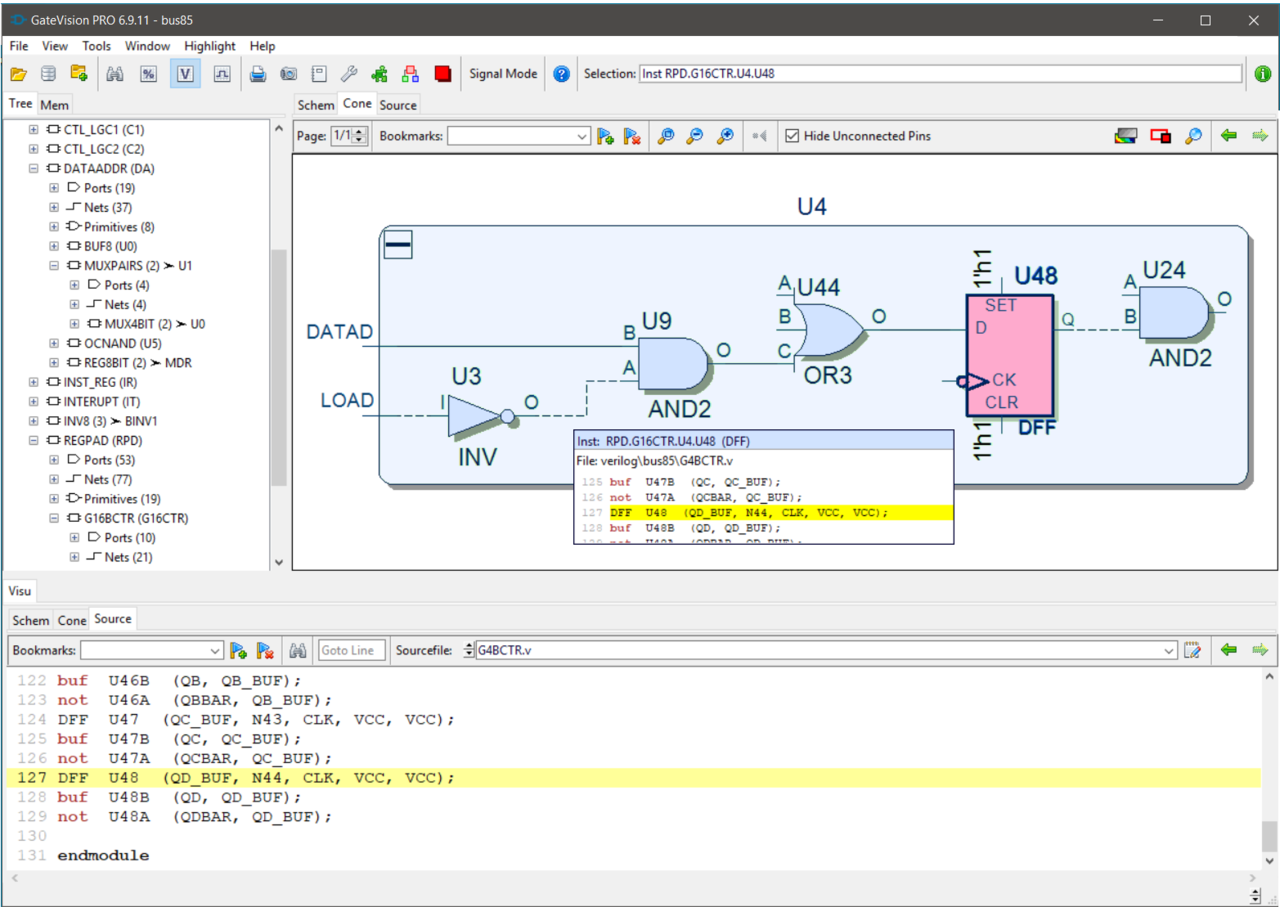
Logic Cone – The GateVision PRO logic cone view provides interactive navigation within a schematic fragment, that portion of the circuit that is most relevant. This can be extended and reduced for signal path tracing through the complete design hierarchy.
Path Extraction and Verilog Simulation – The customizable path extraction engine can automatically identify and extract critical paths in a design. These can be explored and cross-probed in various views to reduce debug cycle complexity and time. Path fragments can be exported as Verilog netlists for critical path Verilog simulation and analysis.
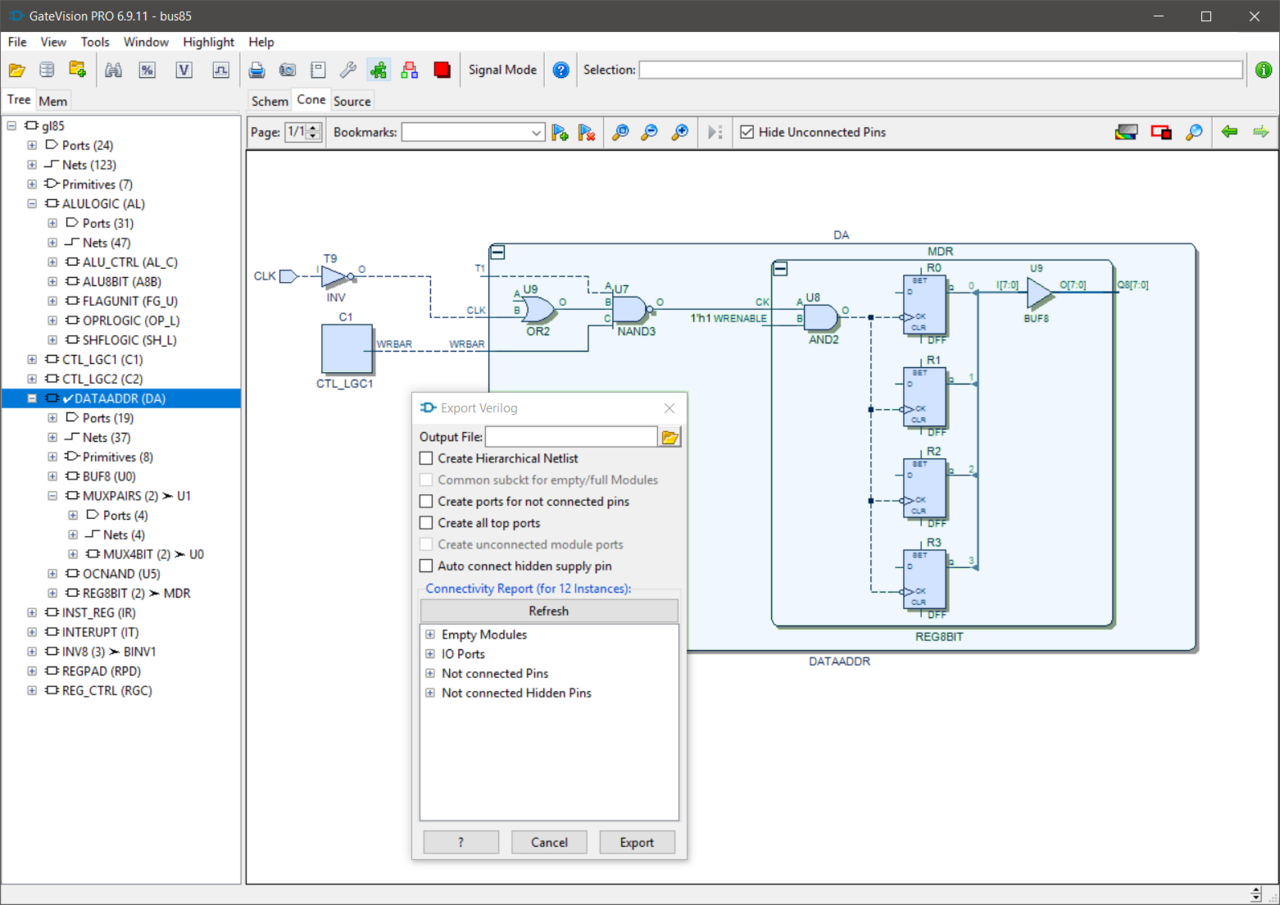
GUI – The intuitive GUI provides a host of facilities, including context sensitive menus and multiple, linked views. A powerful search tool provides quick access to any object or group of objects in a design, storing the output in a results list that allows objects to be highlighted or moved into the logic cone window.
Debugging Views – Built into GateVision PRO are a variety of view options, including schematic, schematic fraction, source code, hierarchy tree, waveform, clock domain, and object search views. By cross-probing between these views, it is easy to gain a deeper understanding of the device being debugged and to improve the debug process.
Tool Customization
UserWare API – A Tcl-based UserWare API provides full access to the high-capacity database for high-flexibility customization. The designers or CAD teams can extend the functionality of GateVision PRO to meet the immediate needs of the project adding, for example, electrical rule checking (ERC), reporting and documentation functions. The API also allows GateVision PRO to be closely integrated with different design flows and third-party tools.
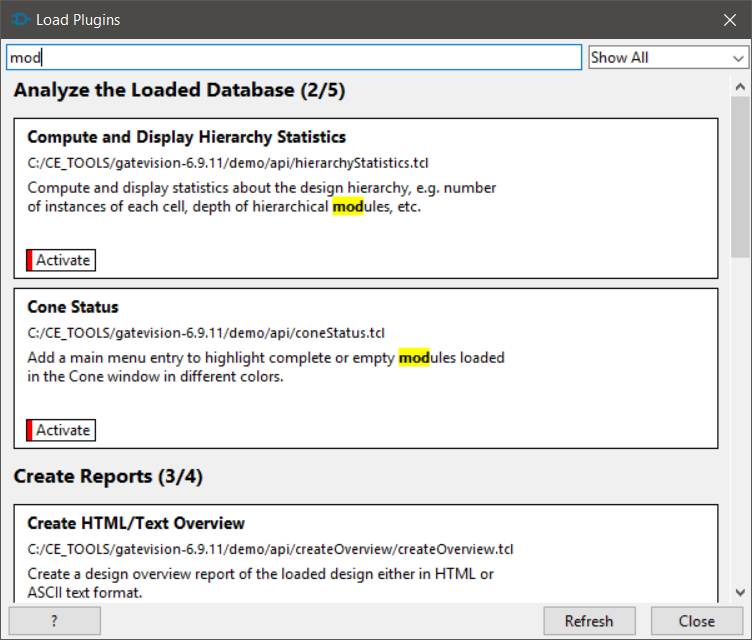
UserWare Plugin Mechanism – In order to make it easy for organizations to manage and deploy customized tool features within an organization, GateVision PRO comes with a smart UserWare plugin mechanism that makes it very easy to add and exchange new tool features within development teams and organizations.
Supported Input File Formats
Verilog netlist, EDIF 2.0.0 netlist, LEF/DEF, Liberty, VCD, SDF
Supported Output File Formats
Verilog netlist
Supported Platforms
Linux and Windows on x86_64 systems.
See Platform Support Details