
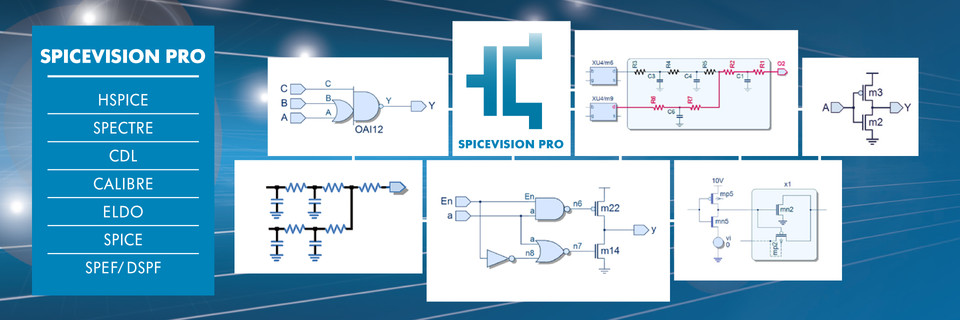
SpiceVision PRO
High Capacity Transistor-Level Debugger and Viewer
SpiceVision® PRO takes SPICE netlists and models and generates clean, easy-to-read transistor-level schematics, circuit fragments, and design documentation to speed up circuit design, debug, and optimization at the transistor-level.
SPICE circuits and models are the common currency of the EDA world. They are generated by many EDA tools and provide a description of the circuit at the lowest component abstraction level, the transistors, capacitors, resistors and even the interconnect that make up an IC or IP components. But for all but the most of trivial designs, SPICE files are very difficult to read and understand. SpiceVision PRO automatically generates visual circuit schematics, accelerates debug and helps to solve design problems in Digital Circuits, Mixed-Signal ASICs, Analog Circuits, Printed Circuit Boards and MEMS.
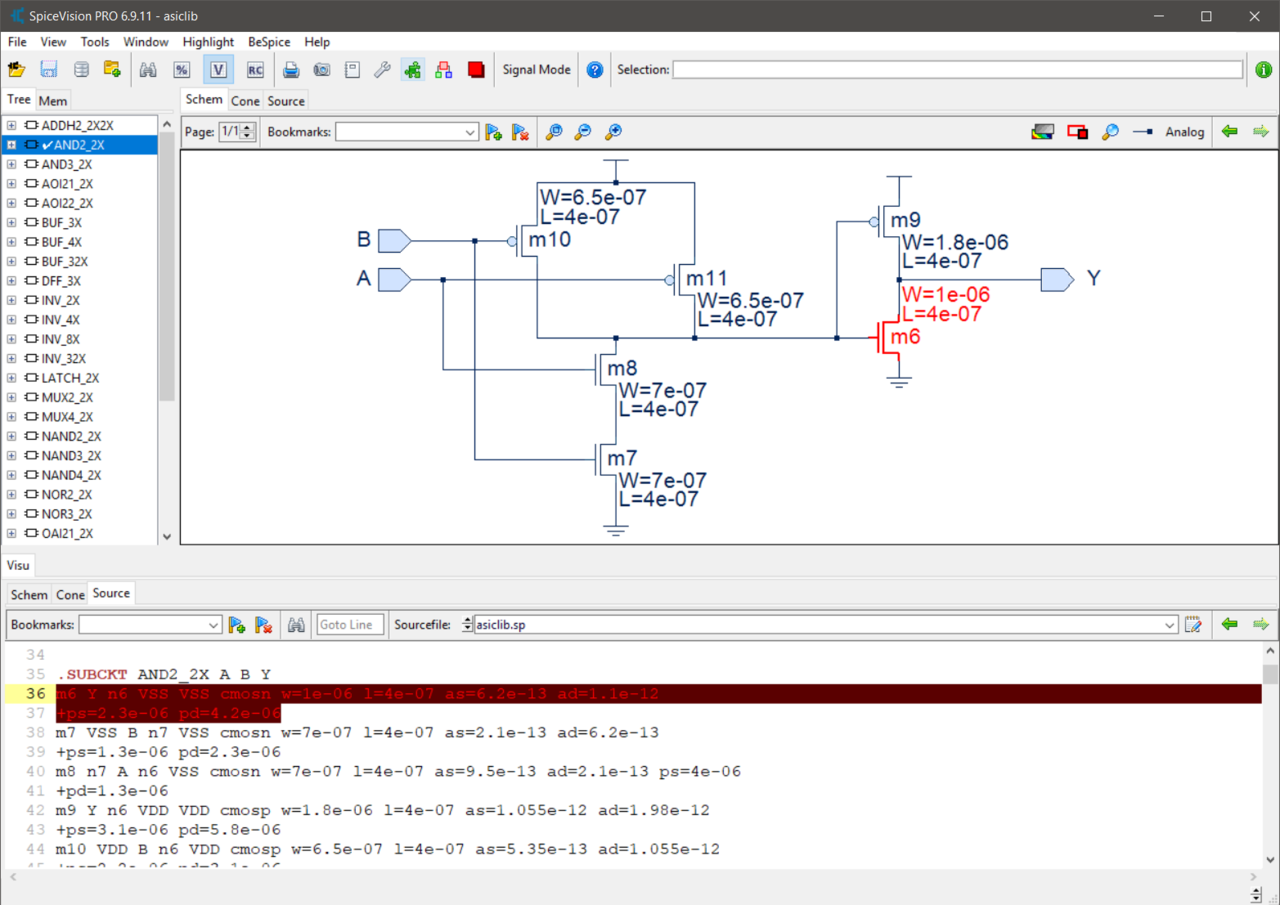
- Graphical SPICE debugger – Fast SPICE netlist analyzer and viewer
- SPICE to schematic – Viewer for SPICE netlists and parasitic data
- Tool Customization – API for customer defined features & rule checks
- Cone display – For easy incremental exploration of critical circuit paths
- Cookie-cutting – Circuit fragments can be saved as separate SPICE files
Fast SPICE Viewer – Within seconds, SpiceVision PRO gives engineers an extra level of understanding of the circuits that are defined in their SPICE netlist file. The tool provides the unique and effective graphical rendering of SPICE netlists and supports engineers to debug and optimize designs, moving devices into production earlier and with a higher degree of confidence.
Advanced Debug and Analysis
Interactive Cone Window – To accelerate debug, critical circuit portions can be graphically displayed in the Cone Window. Developers can concentrate on critical circuit fragments, with links to the original SPICE source code, while ignoring irrelevant design areas. This highly interactive view allows engineers to automatically build up critical paths through a design to rapidly find bug drivers. Complex bugs may be located and fixed quickly and easily. Circuit fragments displayed in the cone windows can easily be exported to a simulator as separate SPICE files (SPICE netlist export), for partial simulation, often running 10 to 100 times faster than the full circuit simulation.
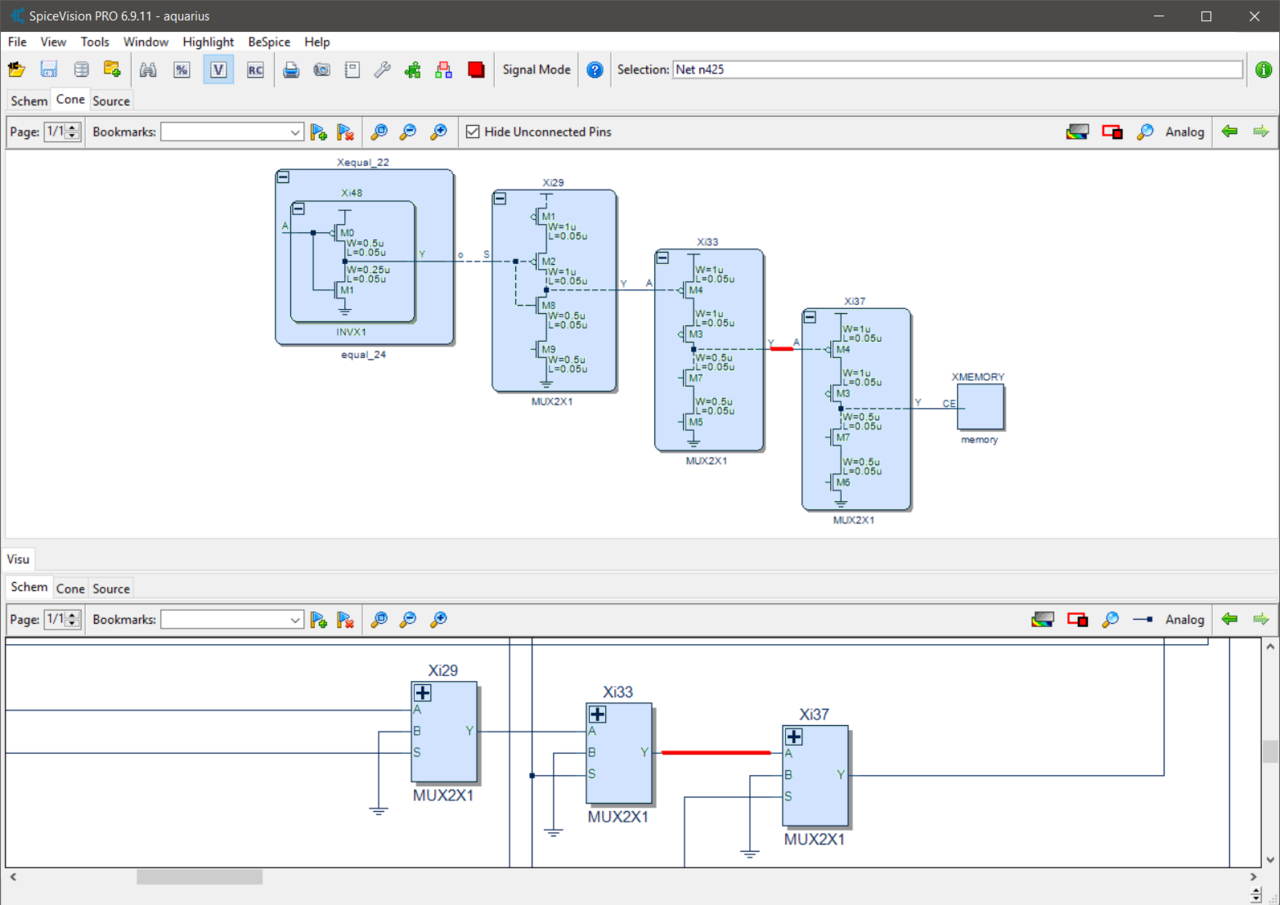
Powerful GUI Cockpit – The GUI cockpit displays multiple hierarchy levels, from a top-level overview to all the lower level sub-circuit views. Design hierarchy tree, source code and schematic diagrams are shown across multiple windows, while object drag and drop between the different windows make it easy to understand the SPICE netlist under investigation. The user can select areas of interest from a results list, generated by a powerful search engine and let SpiceVision PRO automatically render circuit diagrams to assist engineers to visually explore circuits and to eliminate bugs in their designs.
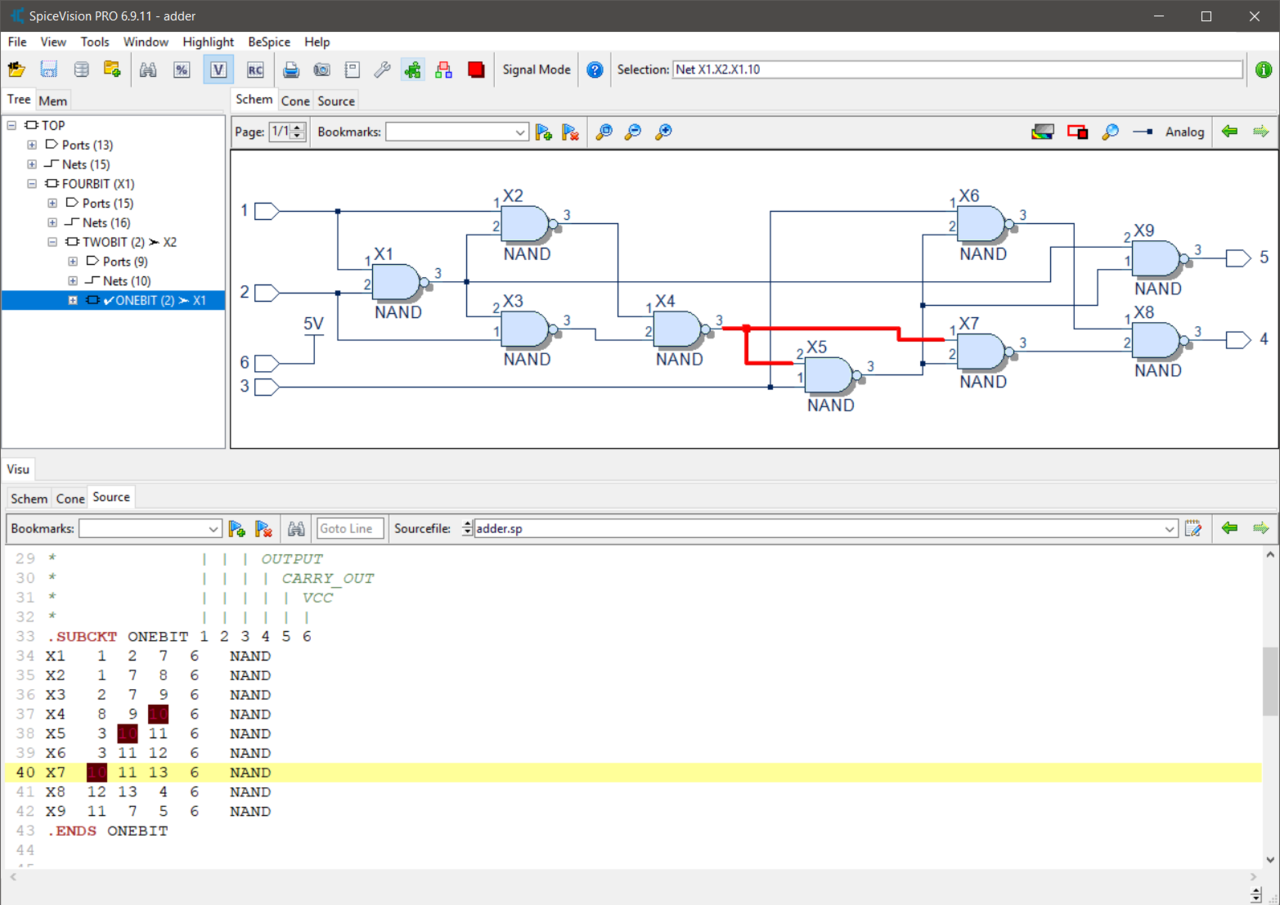
Automatic Circuit Simplification – SpiceVision PRO can automatically simplify complex circuits, merging multiple parallel or serial components, such as capacitors or resistors, into single components of the same type. For example multiple resistors connected in series (in the SPICE netlist) can automatically be merged into one single resistor in the SPICE schematic view (in the GUI cockpit). This method of simplification makes it easy to analyze post-layout netlists or I/O circuit structures where we often 'see' combinations of both series and parallel structures.
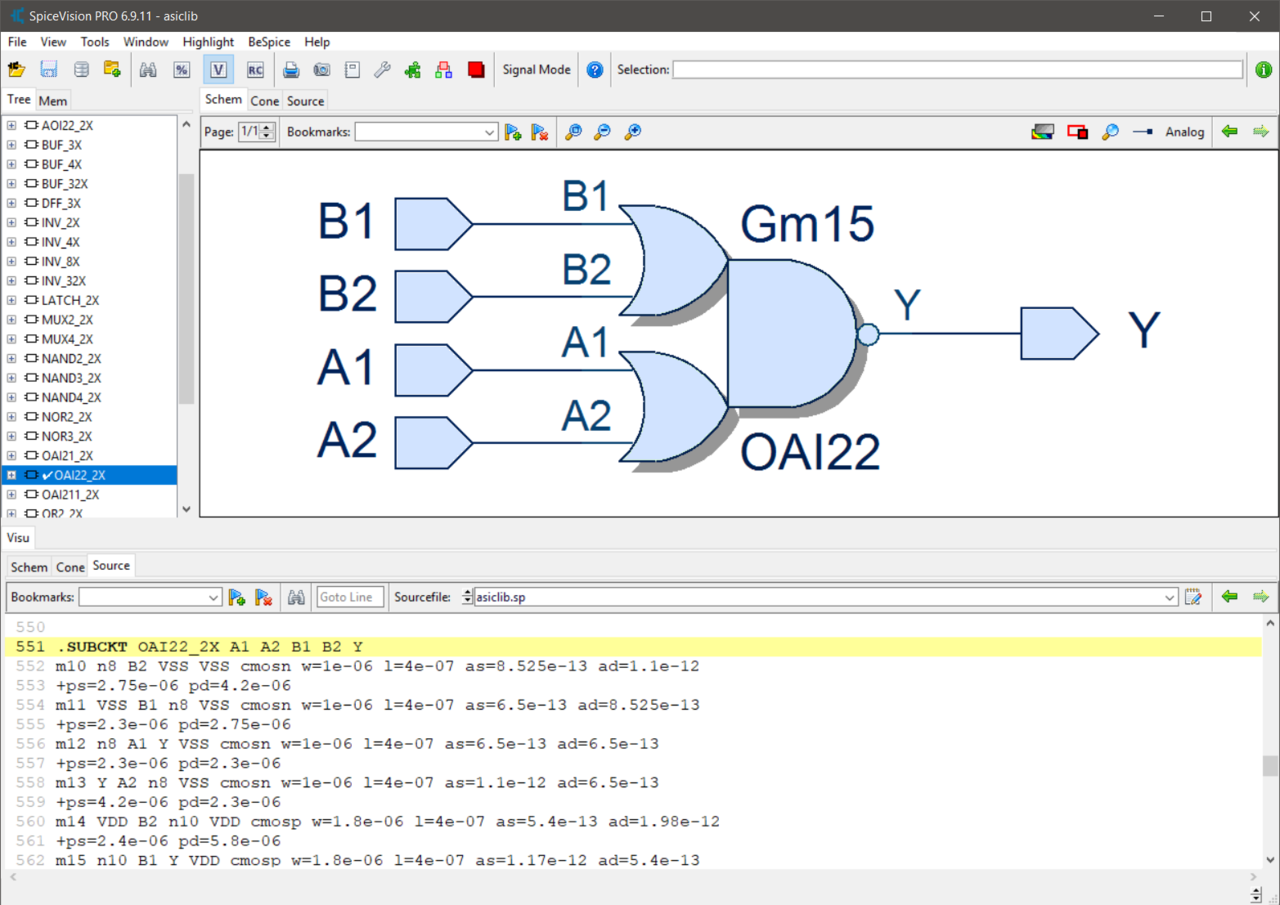
Automatic Logic Recognition – The built-in automatic logic recognition engine of SpiceVision PRO creates digital logic symbols and schematics from pure SPICE-level netlists for easy design exploration.
Tool Customization
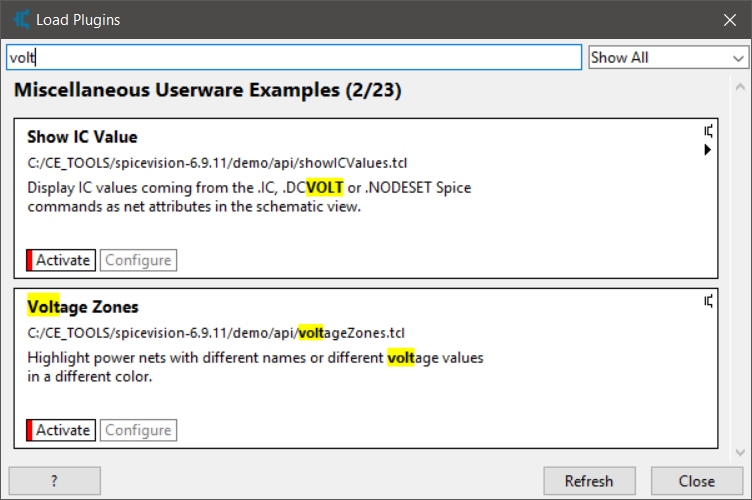
Customization with UserWare – A Tcl based UserWare application program interface (API) allows access to the internal database and graphical user interface (GUI). Users can analyze the design data and generate user-specific design reports and checks. The UserWare API also allows SpiceVision PRO to be closely integrated with different design flows and third party tools. SpiceVision PRO comes with a complete range of specialized UserWare features. These 100+ UserWare examples are available as source code and can be used as template code to accelerate customer specific project development.
UserWare Plugin Mechanism – In order to make it easy for organizations to manage and deploy customized tool features within an organization, SpiceVision PRO comes with a smart UserWare plugin mechanism that makes it very easy to add, remove and manage customer defined tool features within development teams and organizations.
Specialized Capabilities
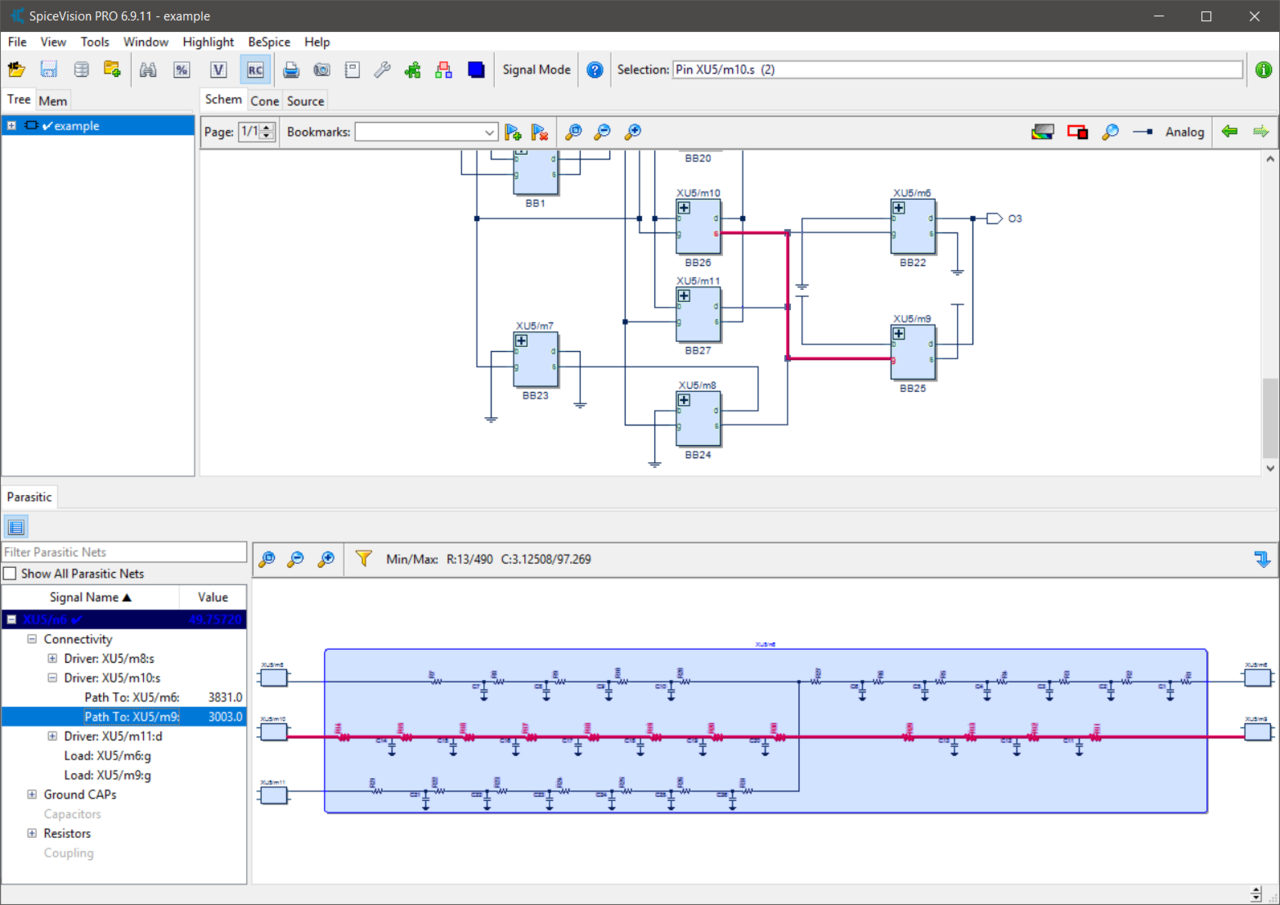
Post-Layout Debugging – Layout extraction tools generate very large and complex netlists. The parasitic analysis option for SpiceVision PRO allows visualization and analysis of such parasitic networks (DSPF, RSPF, SPEF) and provides capabilities to prune and export SPICE or SPEF netlists for fast critical path simulation.
IP Verification and IP Reuse – Specific parts of a design can be "cookie-cut" (extracted) from the complete design and saved as a separate SPICE netlist for use as new IP or for detailed SPICE simulation.
Cadence Schematic Interface – Starting with pure netlist information the Virtuoso schematic editor interface option, that makes use of the Cadence SKILL language, automatically generates critical path schematics or schematics of larger IP blocks and exports these schematics into the Cadence schematic editor environment for further editing, IP reuse or simulation.
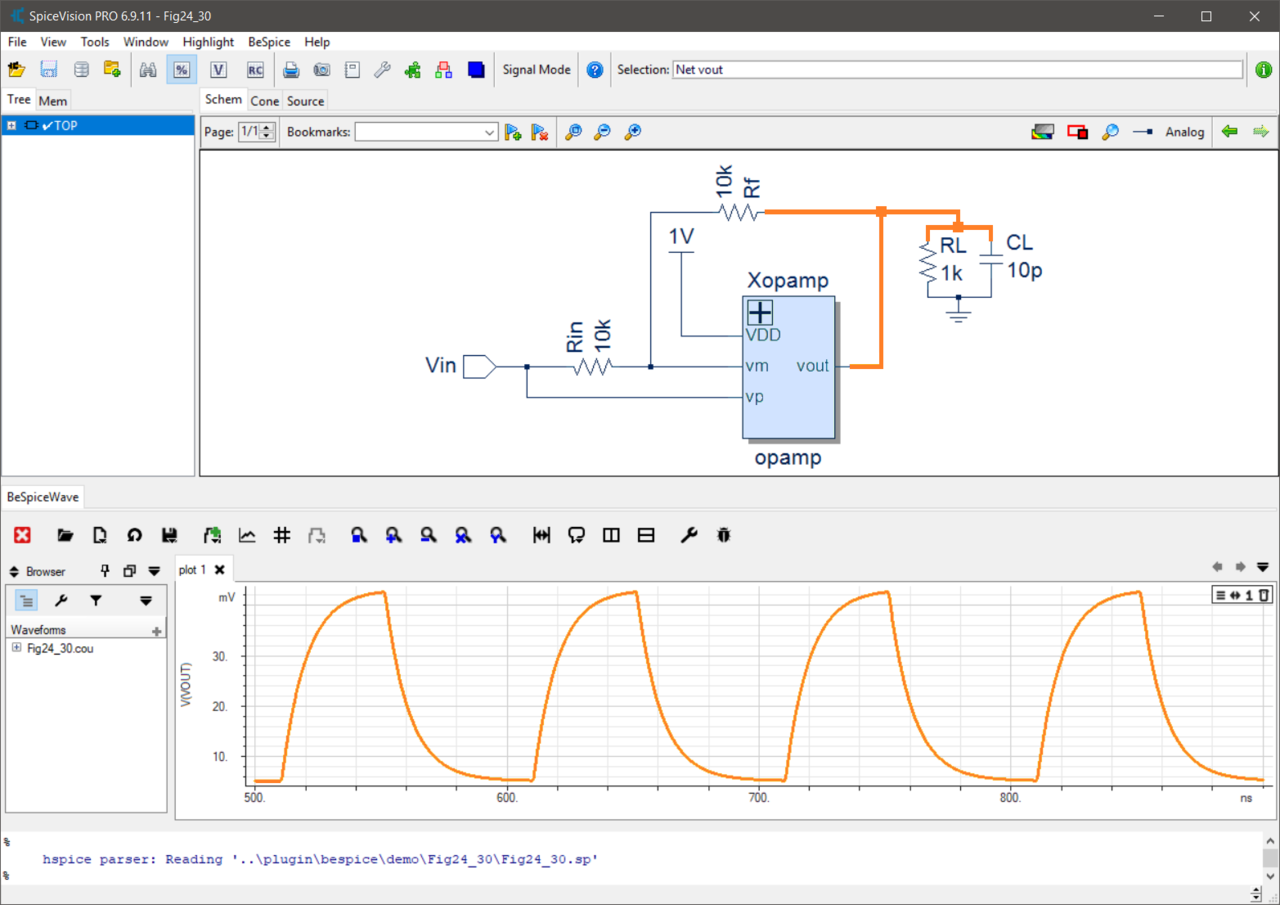
Analog Waveform Viewer and Signal Tracing – SpiceVision PRO offers integrated analog waveform viewing as an option. The analog waveform viewer allows design engineers to see the signal transitions over time and the relation of those signals with other signals in a design. Using signal drag and drop between the schematic window and the waveform window allows easy signal tracing and detection of simulation problems.
Supported Input File Formats
SpiceVision PRO: SPICE, HSPICE, Spectre, Calibre, CDL, Eldo and PSPICE
Parasitic Analysis Package: DSPF, SPEF and RSPF
Analog Waveform Viewer: Different analog waveform formats
Supported Output File Formats
SpiceVision PRO: Generic SPICE netlist export
Parasitic Analysis Package: SPEF netlist export
Cadence Schematic Interface: Fully editable schematic design from pure SPICE netlist information
Supported Platforms
Linux and Windows on x86_64 systems.
See Platform Support DetailsSpiceVision PRO Product Options
Cadence Schematic Interface: Allows export of schematics and schematic
fragments to the Cadence design tool platform for further optimization, reuse,
debug or simulation within the Cadence tool flow (Virtuoso/SKILL Export).
Demo video for the "SKILL Export" feature
Parasitic Analysis Package: Allows visualization and analysis of parasitic networks (DSPF, SPEF and RSPF) and provides capabilities to export and prune SPICE or SPEF netlists for critical path simulation.
Analog Waveform Viewer: Allows visualization of SPICE simulation data and
cross-probing between schematic view and waveform view for easy waveform
browsing and signal tracing.
Demo video for the "Analog Waveform Viewer" feature
At a Glance
| Features | Benefits |
|---|---|
| Creates schematics from SPICE files | Schematics provide support for easier and faster debugging for complex circuits. Supported dialects include SPICE, HSPICE, Spectre, Calibre, CDL, DSPF, SPEF, Eldo, PSPICE and IBIS |
| Efficient database | High performance architecture allows debug of large and complex designs |
| Automatic Logic Recognition | Creates digital logic symbols and schematics from pure SPICE netlists for easy design exploration |
| Powerful GUI | Multiple views, including tree, schematic, cone and source file for increased circuit understanding plus drag and drop between different views |
| Cone Window | Incremental schematic navigation for big designs; Critical circuit fragments can be explored incrementally |
| Parasitic Analysis Package | Allows visualization and analysis of parasitic networks (DSPF, SPEF and RSPF) |
| UserWare API | Allows interfacing with CAD flow and advanced tool customization |
| Fragment save | Fragments of circuits can be saved as SPICE files for future reuse as IP, or for partial simulation (SPICE netlist writer) |
| Schematic export option | Export schematics and schematic fragments into Cadence Virtuoso Schematic Editor for further optimization and debugging |
| Analog Waveform Viewer option | Allows visualization of SPICE simulation data and cross-probing between schematic view and waveform view |