Nlview Live Demos
This page gives an overview on live demos using the powerful NlviewJS engine, each demonstrating the benefit of Nlview for a specific use case in the EDA design flow.
The NlviewJS demos require an HTML5 capable web browser with JavaScript enabled, and – depending on your browser – most demos load either the pure JavaScript version or a highly optimized binary WebAssembly version of the drawing engine. The web browser must transfer approx. 5 MB JavaScript code (2.5 MB for WebAssembly) which can take a moment, depending on the speed of your internet connection. Additionally, for some demos a double-click may request more data from the web server (located at concept.de) which triggers network communication.
General Nlview Features
Basic Live Demo
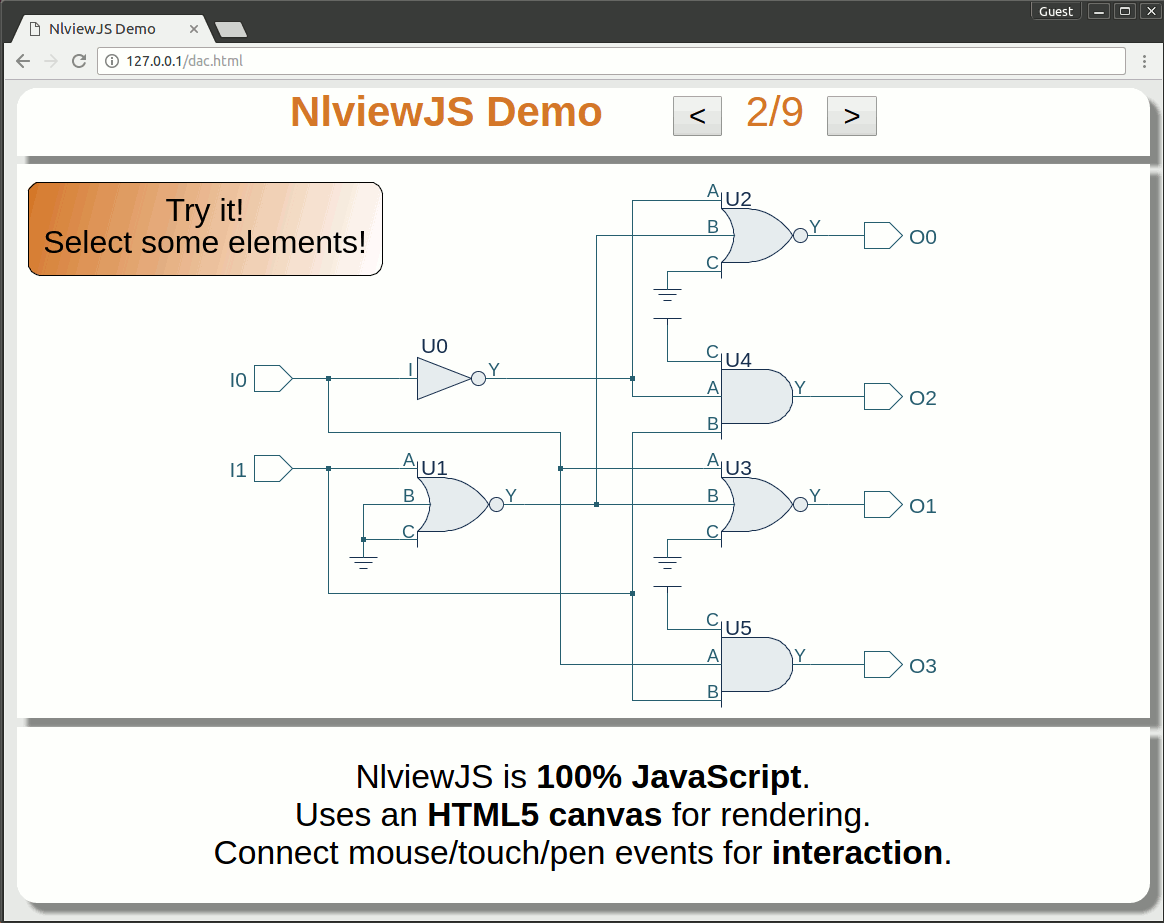
This live demo shows selected basic features of NlviewJS and the Nlview core in general optimized for mobile devices. It allows the user to control NlviewJS using both a mouse device and/or touch gestures.
Schematic Editing Demo
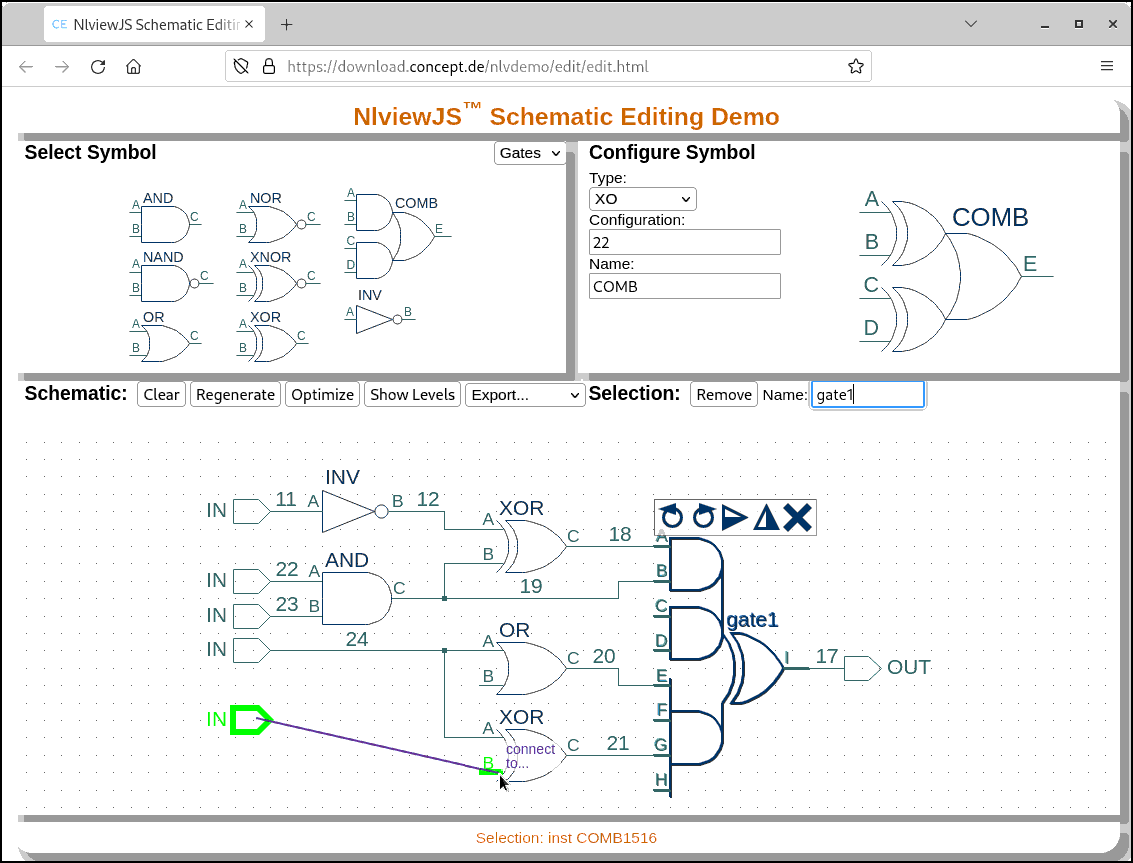
This application demonstrates the editing capabilities of the Nlview schematic generation engine. It allows the user to select a symbol from a symbol library, configure its interface, name and other properties, and then drag and drop it into the schematic editing canvas. Nets are added interactively by connecting two pins (resp. one pin and a net) using the mouse.
Electronic Design Debug
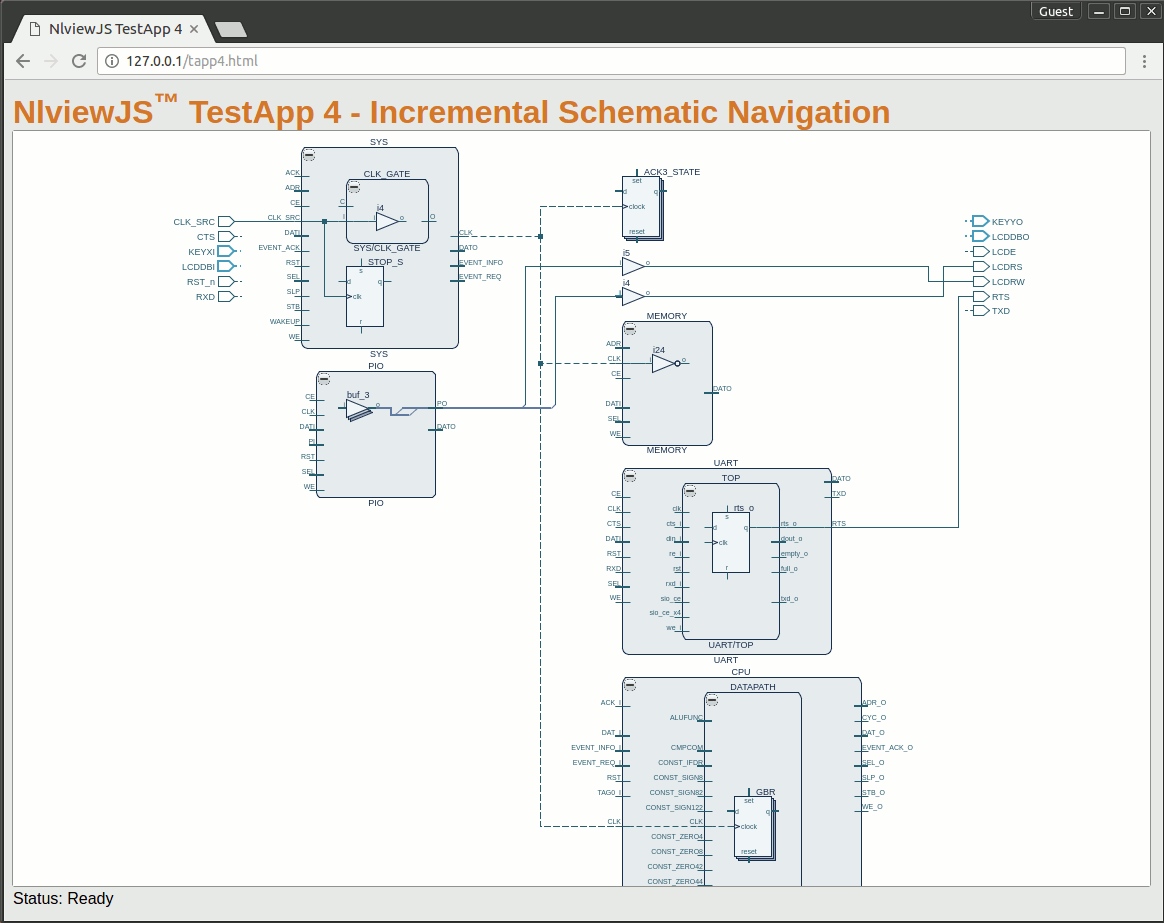
Incremental Navigation Demo
This demo shows Nlview's incremental navigation feature, which allows the user to explore a design step by step through hierarchy borders. This application uses the Aquarius design from OpenCores and starts with an initial schematic containing the IO ports of the top module. Each double click on a pin or net loads connected logic from the server database and integrates the requested data into the current schematic.